Is Garmin Express free to download?
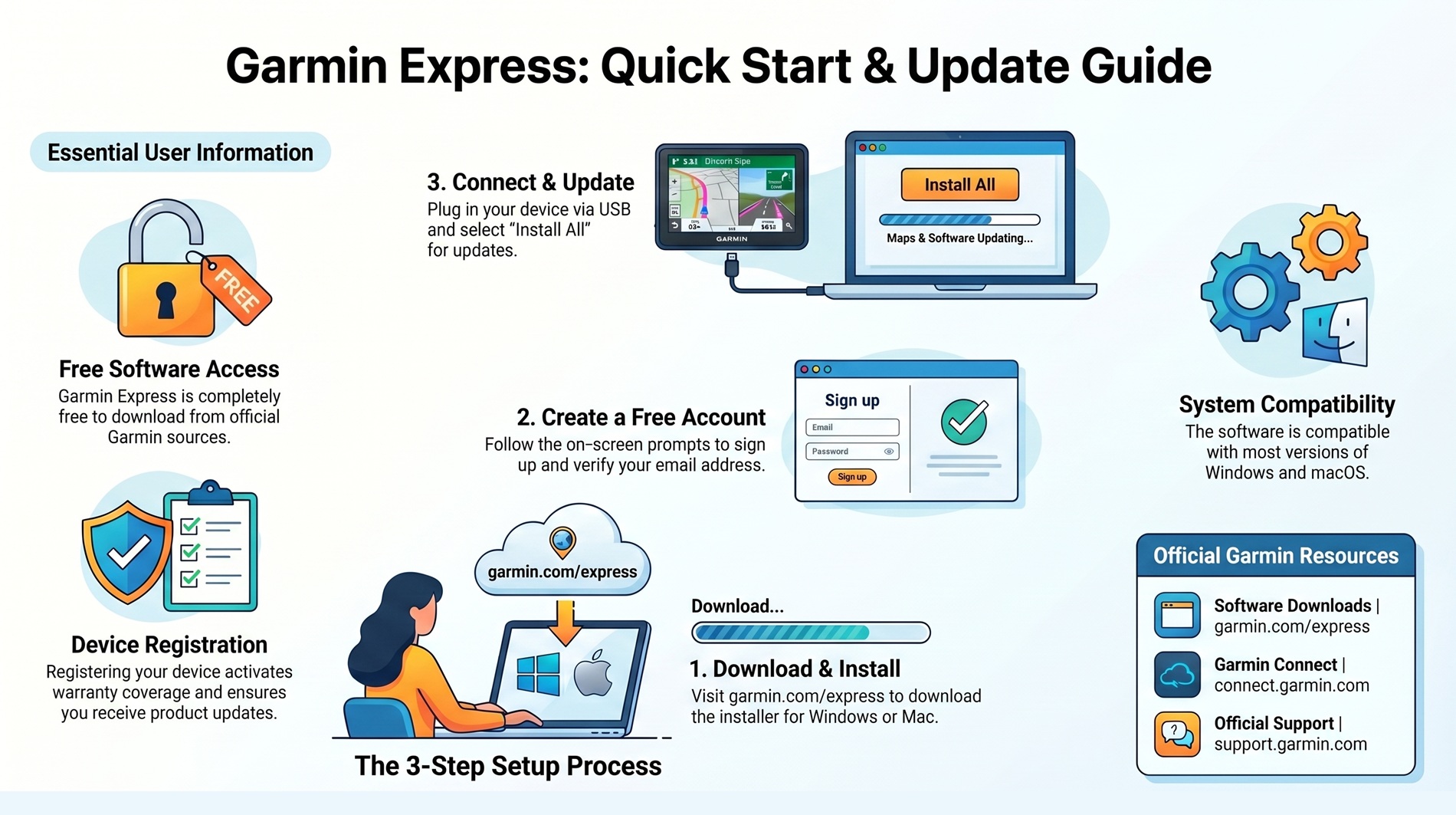
Yes. Garmin Express is completely free. Download it directly from garmin.com/express at no cost.
Is this website the official Garmin site?
No. This is an independent information and guide site. We are not affiliated with Garmin Ltd. The official site is
garmin.com.
Which operating systems does Garmin Express support?
Garmin Express is compatible with most versions of Windows and macOS. Check the System Requirements on garmin.com/express before downloading.
How do I update my GPS maps?
Connect your Garmin device via USB, open Garmin Express, and click "Install All" to install the latest map and software updates.
My device is under warranty — is support free?
Yes. If your product is covered by warranty, support services may be available for free from Garmin directly at connect.garmin.com.